0%

 GitHub
 Cursor
 Claude Code
 Claude
 Figma
FigmaWhat I shipped
Agent config cards, workflow status indicators, data extraction previews, built for fullscreen, sidebar, or embedded. Plus the company’s first design system: 8px grid, semantic tokens, language & tone, motion docs.
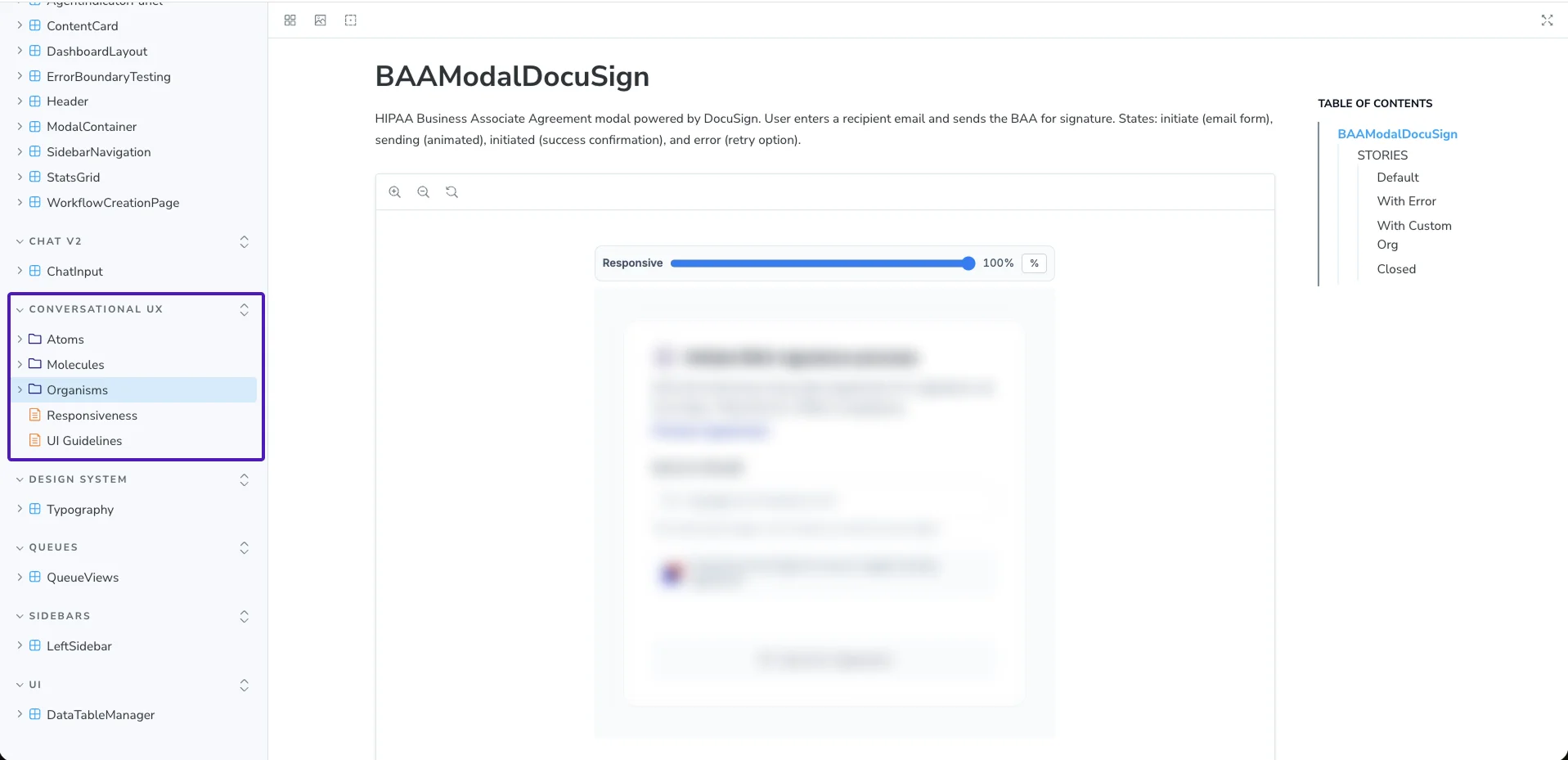
What this shows
The 60+ component library, documented for engineering
Why it matters
Components built for AI-agent interaction patterns, not generic UI
The result
Engineers pulled components straight from Storybook, no designer needed
Figma Design → Figma Make / Magic Patterns → GitHub → Engineering: prototype-to-production in hours for customer demos. Storybook gave engineers direct access, no handoff wait.
AI-native design stack

Figma Design → Figma Make / Magic Patterns → GitHub → Engineering · Tracked in Linear
A note on confidentiality
NDA-friendlyXY’s product and customer data are protected by NDA. This case study shows the design work — component library, design system, workflow — with product specifics withheld. Happy to share more in conversation.
Impact
Users orchestrated agents themselves. That self-serve UX became a core sales asset — 2 new clients signed from demos.
“This is so cool! It makes perfect sense to make these complex flows chat-friendly. I would have trouble knowing where to start.”, User during testing sessions
The problem
The agents could handle it all. But every hour sales spent on setup was an hour they couldn’t sell. I had four months to fix that.
“Incredibly useful, impossibly confusing to use without a demo.”, User during discovery interviews
Nurses and admin staff — different roles, same blocker: not trust, abstraction. Neither could describe a setup until they saw one. But both already knew this interface:
What they don’t know
A new pattern, every screen.
What they already know
The interface everyone already knows.
Iteration
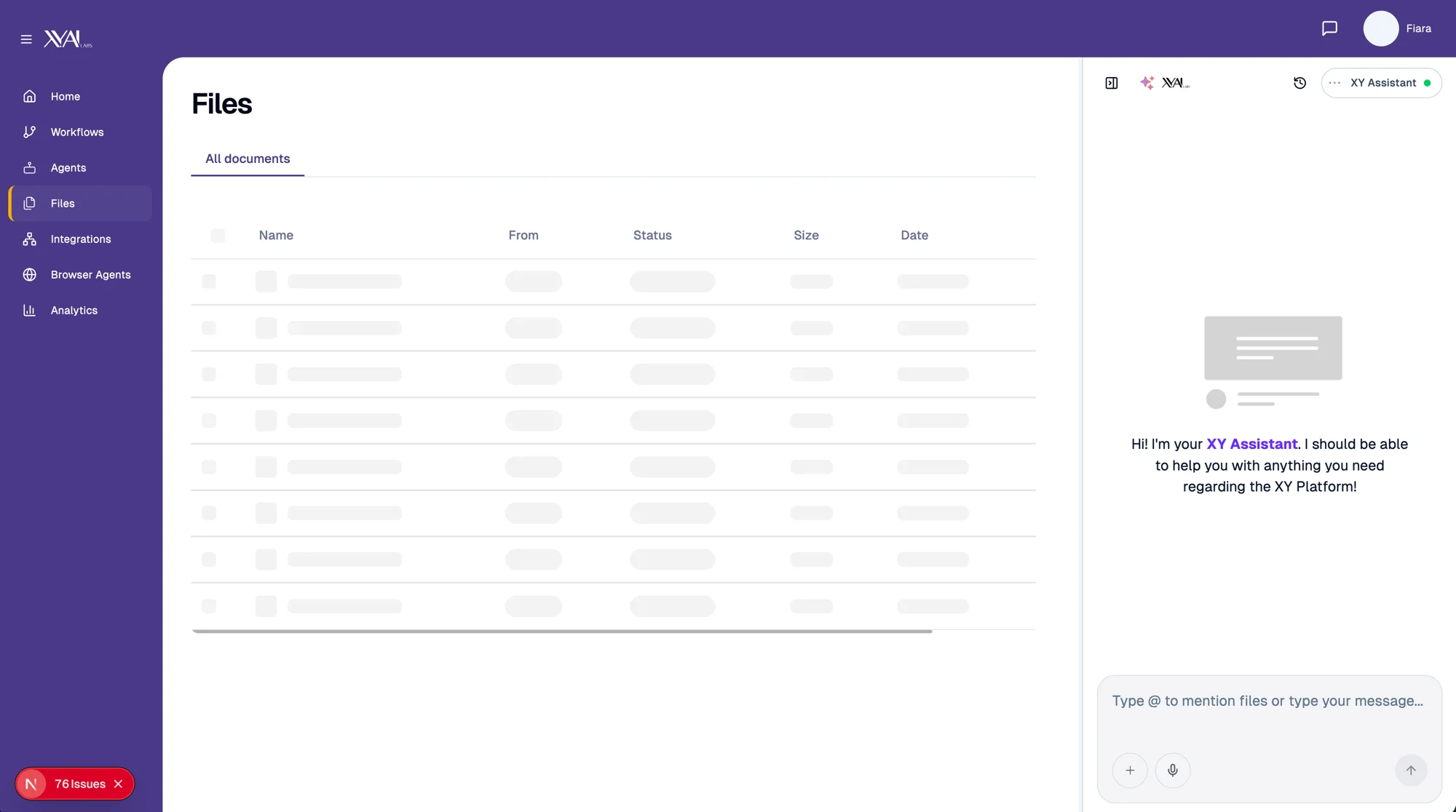
I explored forms, a guided wizard, and chat. Chat won — it let users discover possibilities while configuring.
Discarded
Forms felt familiar, but still assumed users knew what to ask for.
Also tested
A wizard improved onboarding, but was too rigid for ongoing use.
Chosen
Chat let users explore, clarify, and self-serve in one flow.
Design system
XY had never had a dedicated designer, just engineers making UI decisions. Before I could ship, I needed foundations every screen would depend on:
What this is
The complete color token system: primitives, semantic tokens, accessibility audit
Why it matters
Every component, agent status, and interaction maps to this system, no more guessing hex values
The result
A three-tier token system that lets engineers theme any component without design input
Validation
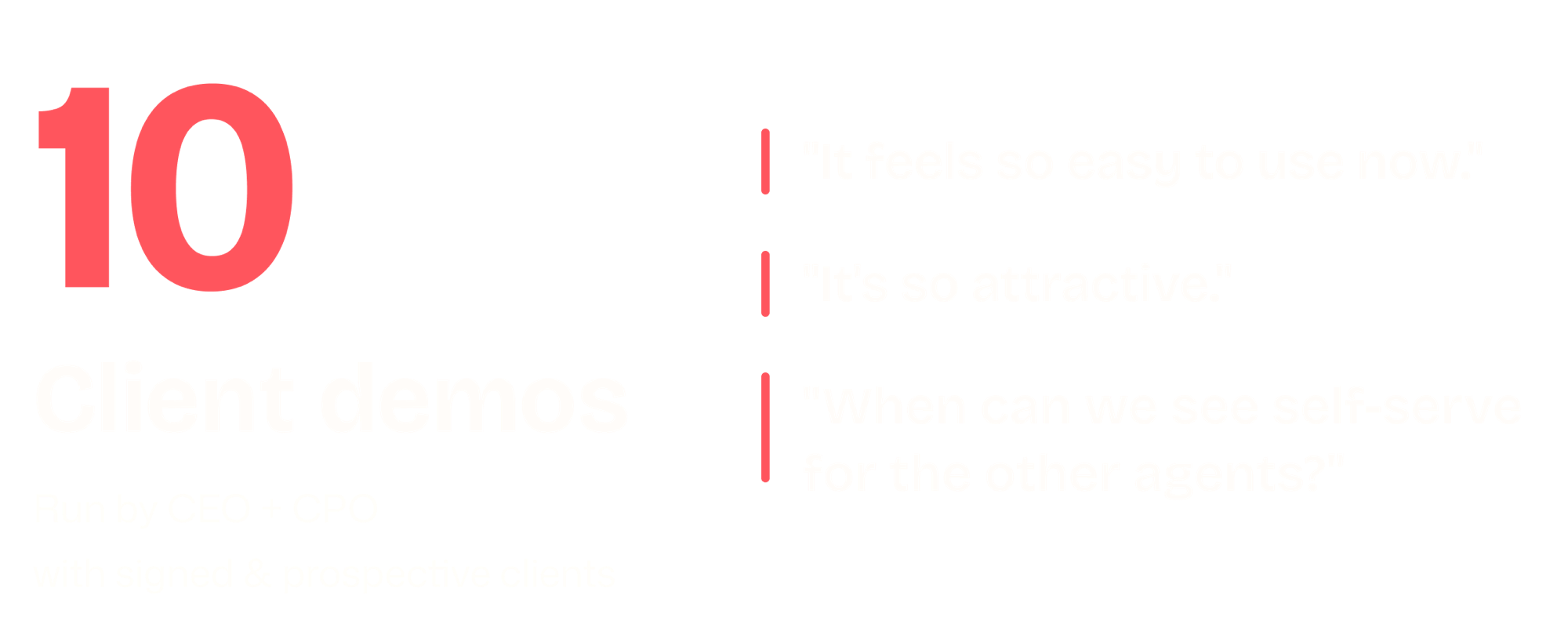
Three rounds of live demos with enterprise prospects, each building on the last. I designed the experience; the CEO carried every conversation directly with clients.
Reflection
Sole designer, reporting to the CPO and CEO.
Design-to-engineering pipeline
Linear tracked every move from Figma to production.
Rigorous design standards
The company's first design practice: 8px grid, semantic tokens, typography, spacing, language & tone, motion docs.
AI-powered workflow
Claude MCP connected Figma to production in hours, not sprints.